
Managing software tests goes far beyond running test cases and logging results. It involves planning, organizing test artifacts, tracing requirements, monitoring progress in real time, and communicating outcomes to stakeholders. To handle all of these responsibilities, quality engineering teams rely on specialized Test Lifecycle Management (TLM) platforms.
The market offers several options — TestRail, Xray for Jira, qTest, Zephyr, PractiTest — each with its own usage profile and integration approach. This article focuses on Azure DevOps Test Plans, Microsoft’s solution that stands out for being natively integrated into a complete DevOps ecosystem: boards, repositories, pipelines, and test plans all live on the same platform.
💡 Tip: If you’d rather watch this content in video format, check out the playlist below. If you’d prefer, keep reading the article below.
Why Azure Test Plans?
Azure Test Plans’ main advantage is not in isolated features, but in integration. Test cases, bugs, requirements, and development tasks share the same environment — eliminating the fragmentation typical of teams using separate tools for project management and quality management.
For teams already operating within the Azure DevOps ecosystem, adoption is straightforward. For others, the learning curve is offset by the depth of what the platform offers.
What Azure Test Plans Covers
The tool supports every phase of the STLC — from planning to test cycle closure — and can be organized into six major areas of use:
1. Requirements and Configuration
Before creating any test artifact, the environment needs to be set up correctly. This includes the Azure DevOps account, enabling Test Plans, defining users (with their respective access levels and permissions), and configuring project settings — data retention, board integration, and execution tool parameters.
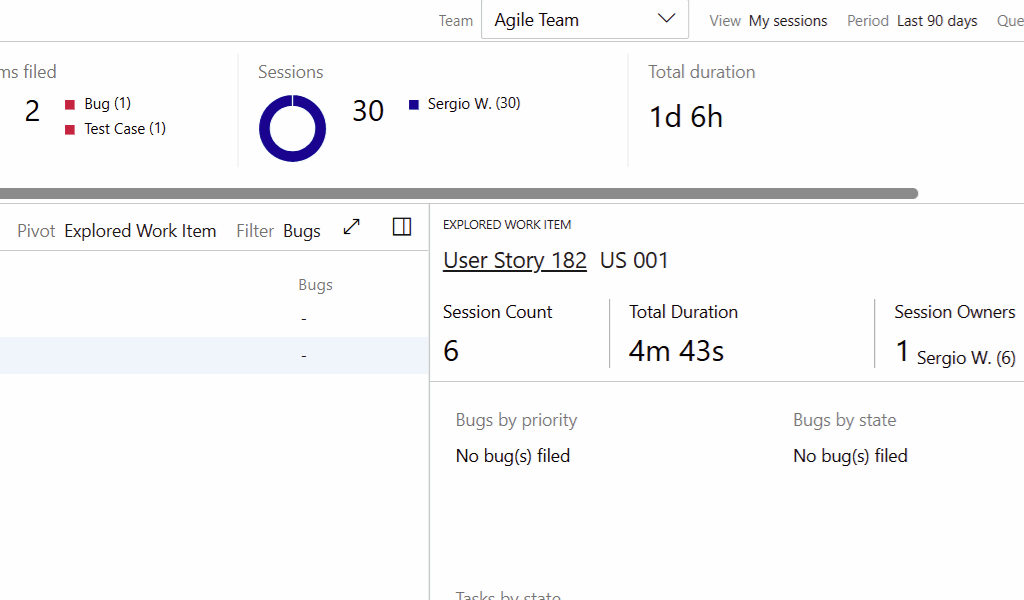
Two execution tools deserve attention from the start: the Test Runner, used for planned tests, and the Test & Feedback browser extension, designed for exploratory testing directly in the browser.
2. Creating Test Artifacts
Azure Test Plans organizes tests in a three-level hierarchy: plans, suites, and test cases.
Plans define the scope and context of a test cycle. Within them, suites organize the cases — and here the platform offers real flexibility: beyond the traditional static suite, you can create requirement-based suites (with automatic traceability) or query-based suites driven by dynamic board queries.
Test cases can be created in multiple ways — manually, via grid for bulk creation, from existing work items, or through import. Within each case, steps can include shared steps (reusable across cases) and shared parameters for data-driven execution.
3. Configuring Test Runs
Before executing, it’s possible to configure environment variables — such as operating systems, browsers, or devices — and assign testers by suite or by individual test case. This configuration layer is what enables precise tracking of who tested what, in which context.
4. Executing Tests
Test execution in Azure Test Plans supports two distinct models:
Planned tests, conducted through the Test Runner, allow testers to follow the steps defined in test cases, record the outcome (pass or fail), capture evidence, and open bugs directly linked to the case — all without leaving the execution interface.
Exploratory tests, conducted through the Test & Feedback extension, allow a less scripted approach: the tester navigates freely through the application, records observations, creates bugs, and even generates test cases from findings — all with traceability preserved.
5. Test Tracking and Reporting
With tests underway or completed, Azure Test Plans provides visibility at different levels:
The Progress Report consolidates progress by plan and suite, with filters that allow breakdowns by suite level, configuration, and time period. There are important nuances in this report — such as data refresh delays and suite-level filter behavior — that make a real difference when interpreting the numbers.
Beyond the Progress Report, it’s possible to review Runs (individual executions with their results and comments), send results by email to stakeholders, and explore traceability between test cases, requirements, and bugs.
Want to Learn in Practice?
This article provides a general overview of the tool. If you want to master Azure Test Plans in a structured way — from initial setup all the way to advanced reporting —, check out our YouTube playlist with content covering many of these topics.
A complete 90-minute training course covering the full journey is coming soon: setup, artifact creation, planned and exploratory execution, and result tracking. Stay tuned to the channel for updates.
Related article: STLC – The Software Testing Life Cycle